3 min read
Player Profile
Table of Contents
Overview
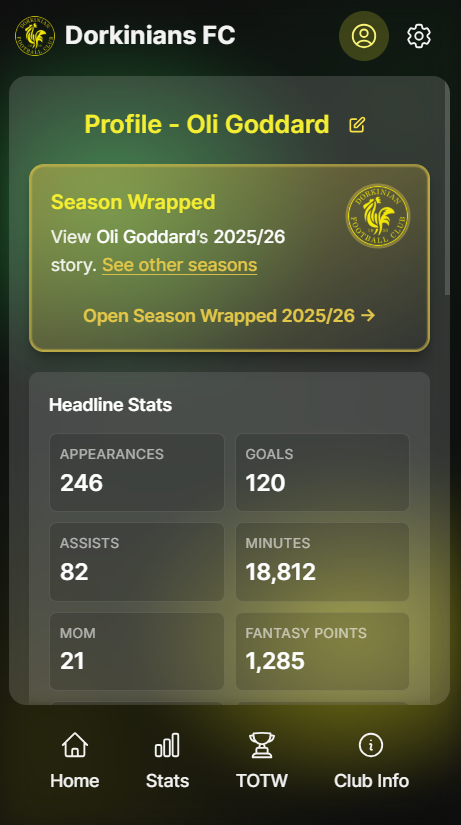
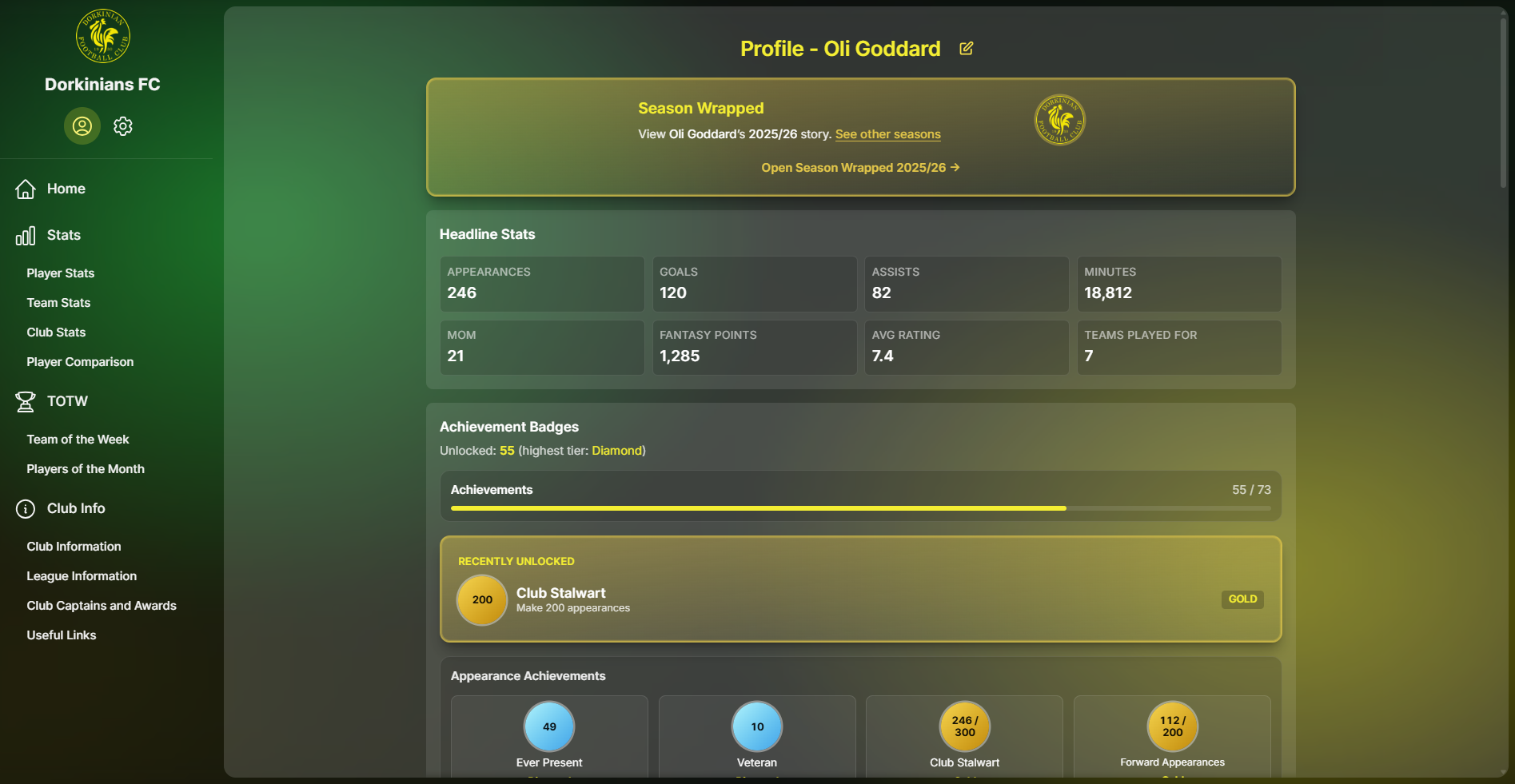
The Player Profile page gives you a focused summary of a single player, bringing key highlights into one place.
The page is organised in a clear top-to-bottom order:
- Season Wrapped
- Headline Stats
- Achievement Badges
The Player Profile page is designed to be quick to scan, with links to deeper views when you want to explore more detail.
Navigation to Player Profile
You can open a player's profile in multiple ways:
- Header profile icon: Opens your currently selected player's profile quickly
- Sidebar navigation (desktop): Includes a direct link to Player Profile
- Stats links: Some stats sections include direct links to open the selected player's profile
If no player is selected, choose a player first on the Home page, then open Player Profile.
Profile Sections
The Player Profile page includes three core sections in a fixed order.
Season Wrapped
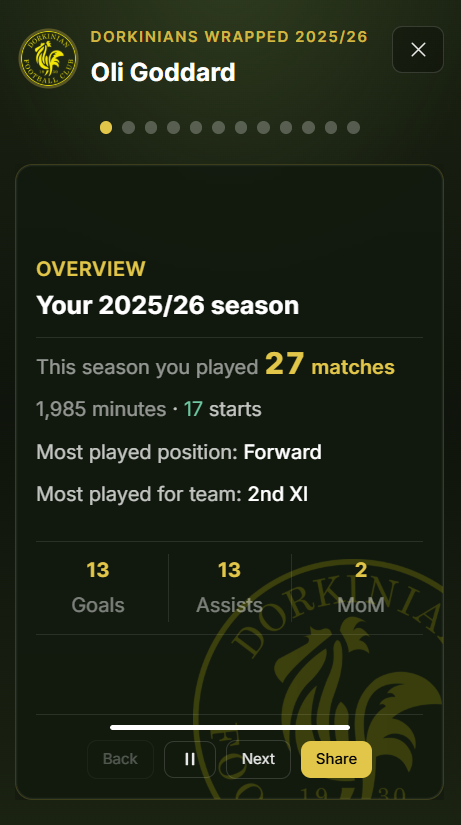
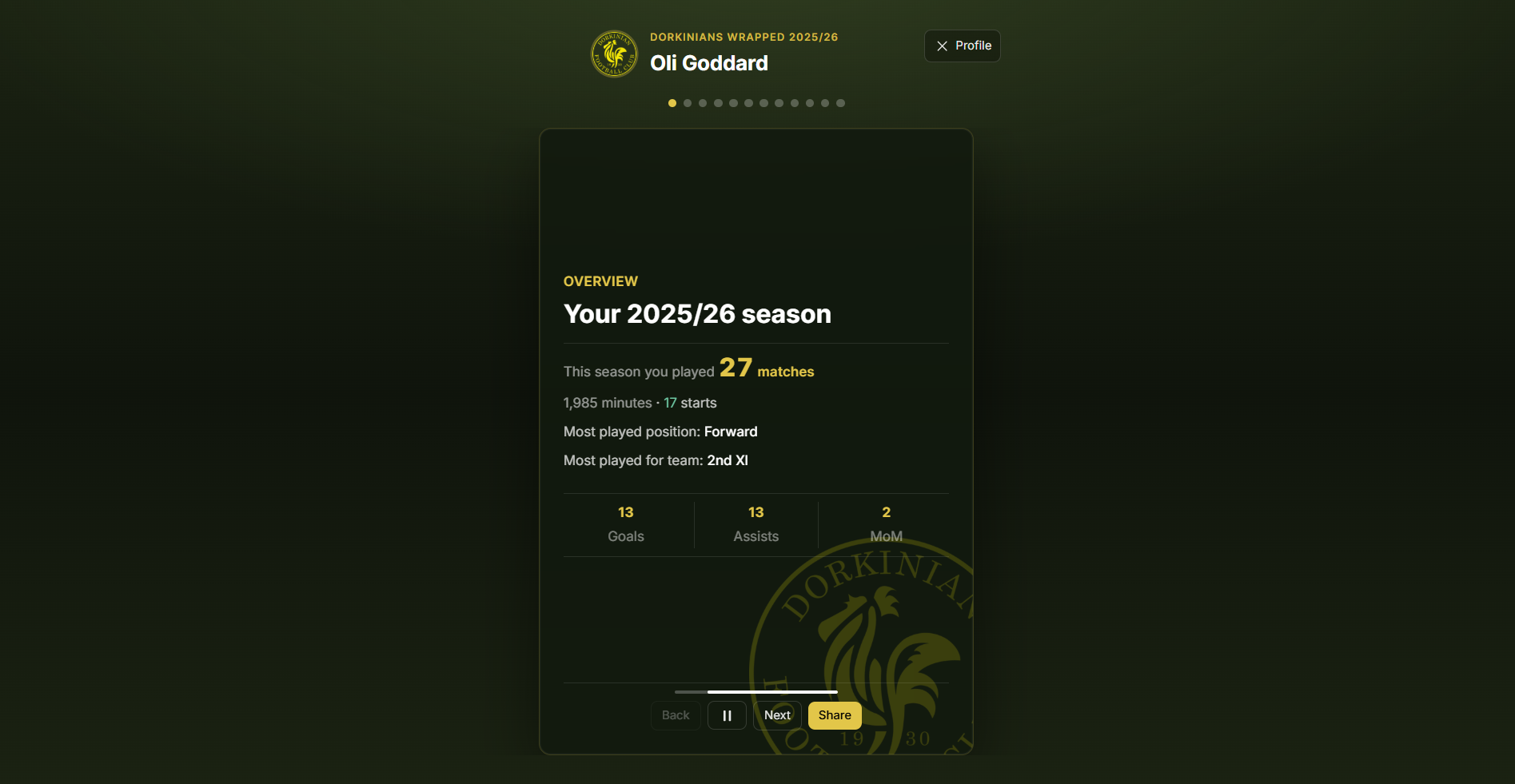
Season Wrapped appears first on the profile and highlights season-by-season story slides for the selected player.
Season Selection
The embedded Season Wrapped section allows you to switch between available seasons and view past-season wrapped data for the same player.
If multiple seasons are available, a season picker is shown so you can quickly swap the wrapped content.
Open Full Season Wrapped
Use the Open Season Wrapped action to launch the full-screen wrapped experience for the selected player and season.
The full wrapped page uses the same player slug and can include the currently selected season in the URL query.
Sharing Wrapped Slides
From the full wrapped experience, you can use sharing controls to create and share wrapped slides.
If you want the best sharing flow, open the full Season Wrapped page first instead of sharing from an embedded context.
Promo Period
During promo periods, the profile can show a Season Wrapped promotion area to help you discover the wrapped experience.
Promo visibility can vary depending on season timing and feature-flag configuration.
Headline Stats
Headline Stats provides a compact summary of important player metrics so you can quickly understand season and career performance at a glance.
Use Headline Stats as a quick summary, then move to Stats pages for deeper drill-down analysis.
Achievement Badges
Achievement Badges shows earned milestones and badge categories for the selected player.
This section helps you track progress and long-term accomplishments across different achievement types.
Hover (desktop) or tap (mobile) badge cards to view more context where tooltips are available.